Attention: Do you dread building a new Website? Writing fresh content, sourcing the right images, designing layouts, and tweaking code, it feels like you need multiple tools and hours of work. RIGHT!!
Now you can Build Professional WordPress Sites in Minutes Without Wrestling With copywriting, Images, or Code
Here is A beginner-friendly tool that generates layouts, text, images, and even CSS inside your Divi builder — so you launch faster and look like a pro.
Watch this video & turn on the sound!
You are covered by a 30-day guarantee. 🔐
Learn the exact process I use to turn a blank WordPress install into a real website fast using Divi + Divi AI – without writing copy from scratch or hunting for stock photos all day.
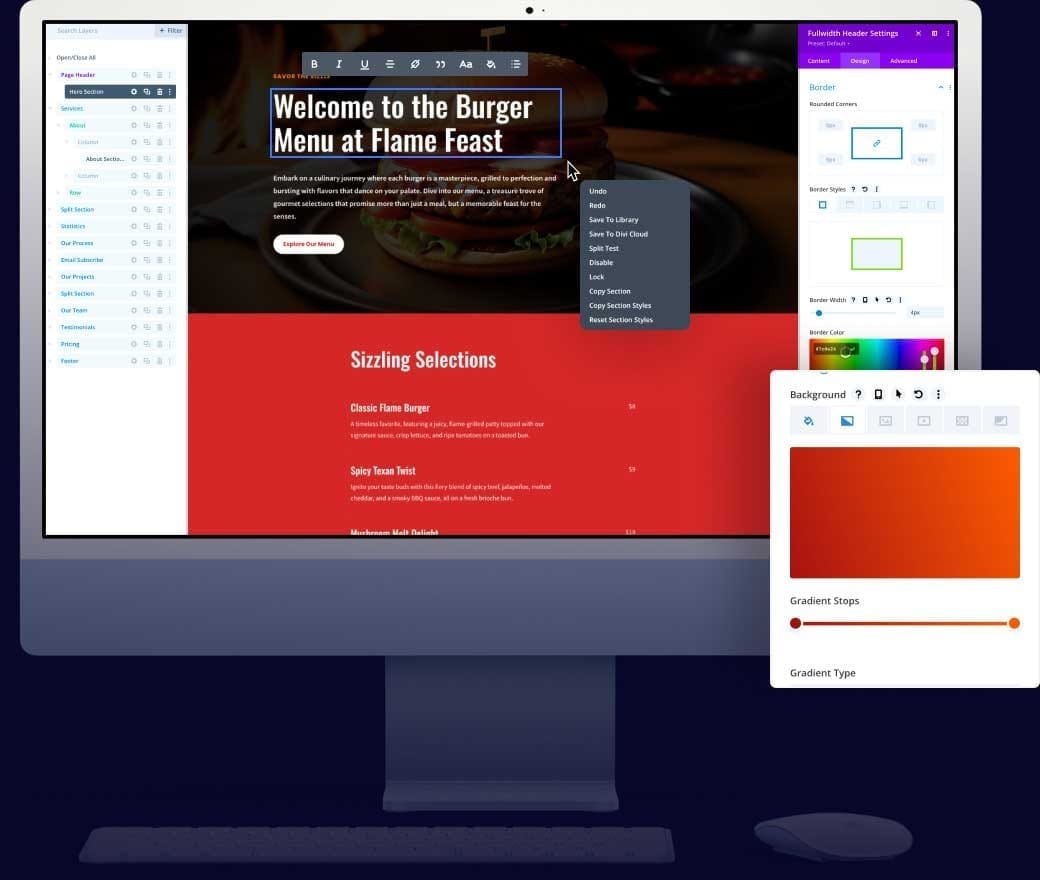
With Divi AI doing the heavy lifting, you don’t have to be a designer, copywriter, or developer. You can let the AI write your headlines and paragraphs, create on-brand images right inside Divi, and even generate layouts that match the page you’re working on. Your job becomes “approve and tweak” instead of “stare at a blinking cursor for three hours.
Imagine opening your laptop in the morning and seeing a real homepage staring back at you instead of the WordPress default screen.
Imagine hearing the ping of a new lead or sale from a website you actually finished this week…
Imagine finally proving to yourself that you can build something that works – without months of trial and error, tech overwhelm, or hiring a $5,000 agency

By Day 7, you'll have a Clean professional WordPress Site!
You’ll know how to use AI right inside Divi to write sections, refine your copy, generate images that fit your layout, and quickly adapt pre-made designs to your niche. Instead of wrestling with prompts in five different tools, everything happens in one builder, in one workflow, that actually makes sense.
Imagine opening your laptop in the morning and seeing your homepage, About page, and at least one Offer/Services page already drafted and looking legit.
Imagine hearing the ping of a new order while you’re having coffee…
Imagine finally proving to yourself that you can build and launch a site that doesn’t look like it came from 2009.

That dream isn’t far away!
In fact, it’s just a few days away.
And I'll walk you through the best way to use Divi AI – so you can go from “blank WordPress install and no content” to “AI-powered WordPress site” without tech overwhelm, writer’s block, or wasting hours on stock photo sites.
You are covered by a 30-day guarantee. 🔐
See what you will learn!
Let's breakdown what will you unlock with Divi AI.
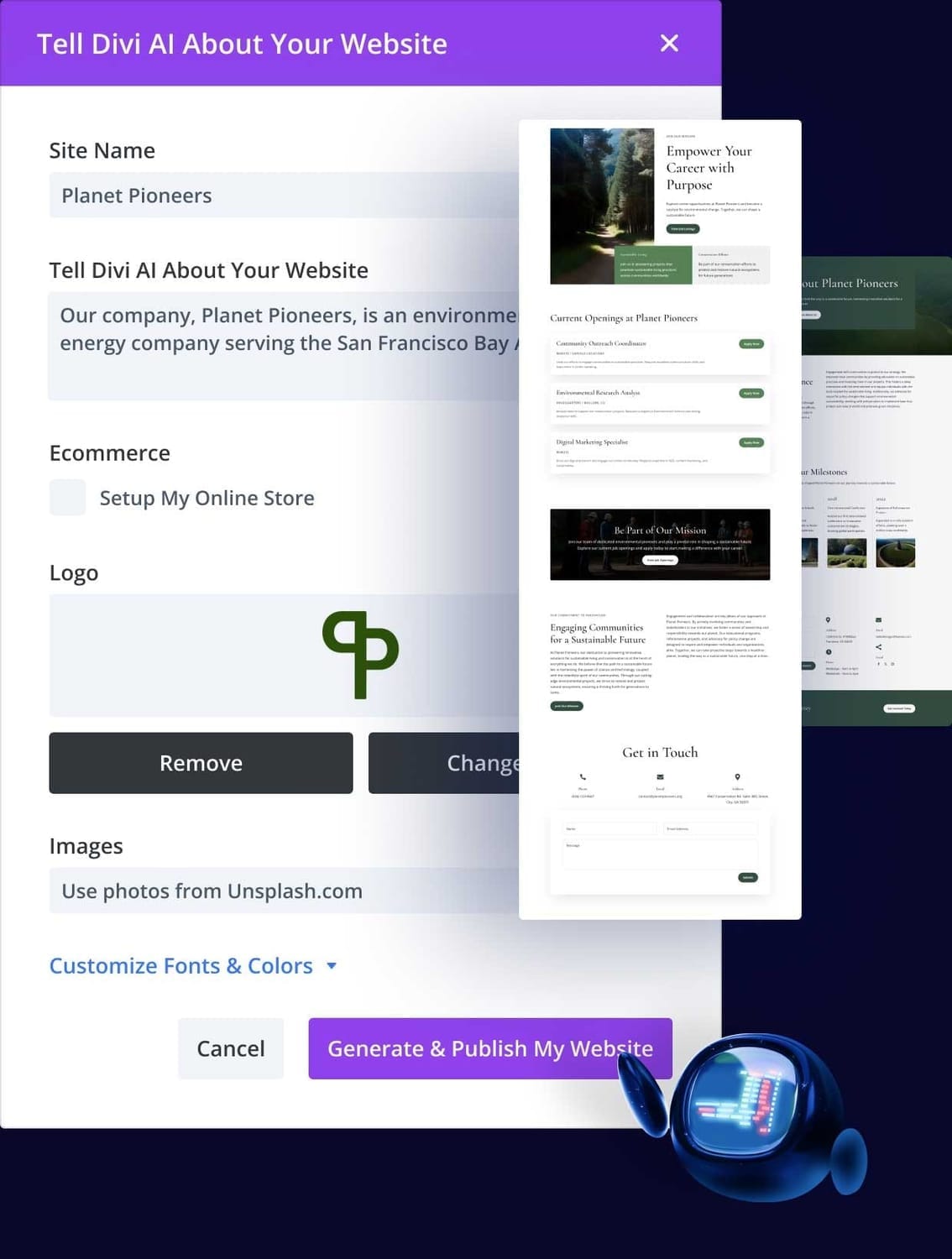
Module: 1
Kill the Blank Page With Smart AI Text
You’ll use Divi AI’s text generator right inside the modules you’re already working in. Tell it what the section is about, choose a tone, and let it draft headlines, paragraphs, blurbs, and calls-to-action that fit your page. Then use Quick Actions to shorten, expand, change tone, translate, or clean it up – without leaving the builder.
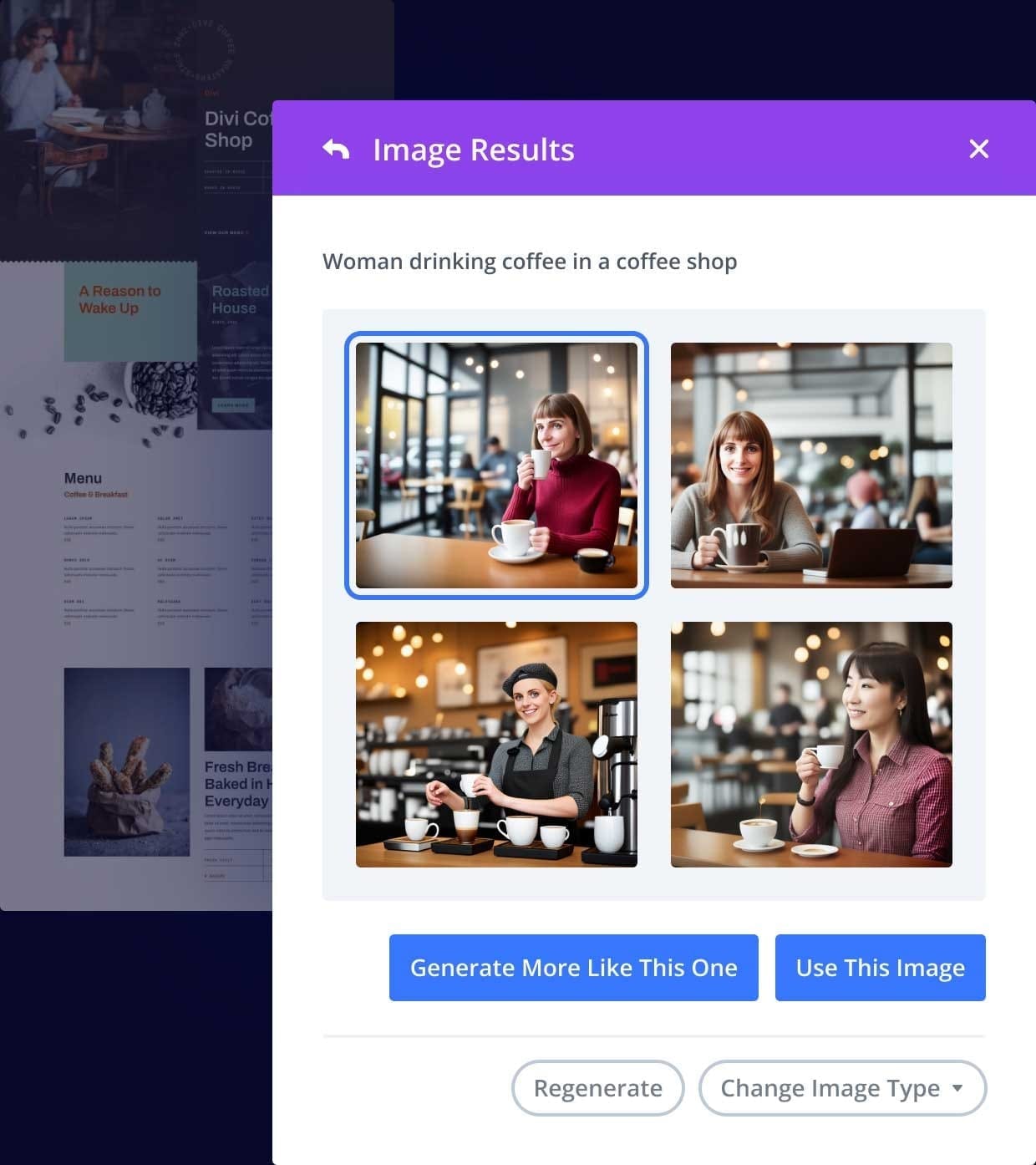
Module: 2
Instant, On-Brand Images Inside the Divi Builder
You’ll see how to generate four unique images at a time just by describing what you want – or let Divi AI auto-generate images based on your page content. No more bouncing over to stock sites or generic AI apps. You can also refine existing images, change seasons, colors, and style so they actually match your design and message.
Module: 3
AI Quick Actions That Fix and Improve Your Content
This is where you stop obsessing over every sentence. You’ll use one-click AI tools to fix grammar, improve clarity, adjust tone (more friendly, more professional, etc.), and expand on ideas you started. Writer’s block becomes “click, improve, done” – like having a copy editor living inside your Divi modules.
Module: 4
Automatic AI Generation Based on Your Page Context
Divi AI doesn’t just guess. It reads the page, section, and module you’re working on. You’ll learn how to let it auto-generate text and images that match your niche, your services, and the layout you’re editing – perfect when you don’t even know what to ask for yet. Just tell it to generate automatically and then tweak instead of starting from zero.
Module: 5
Layouts, Code, and Full AI-Assisted Websites
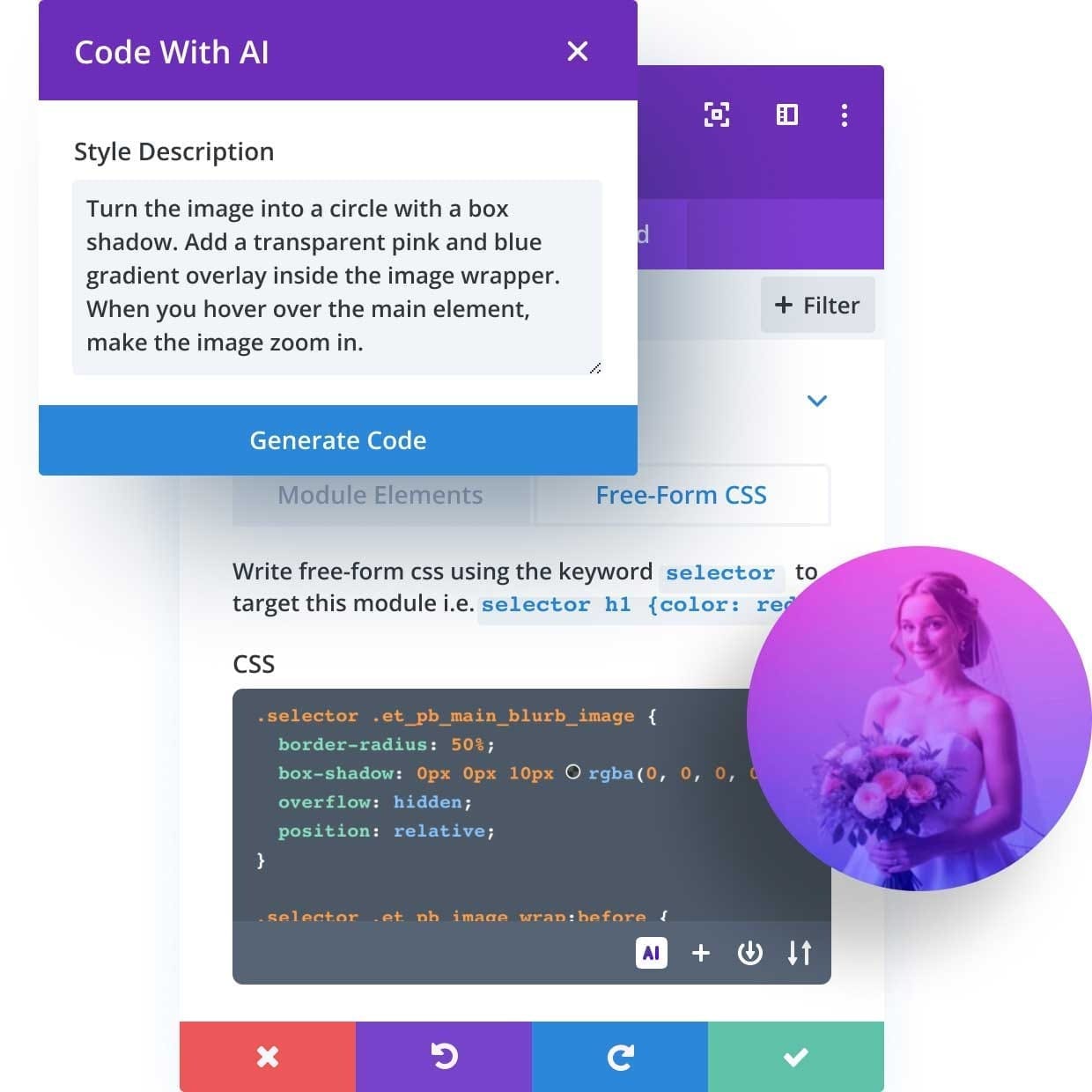
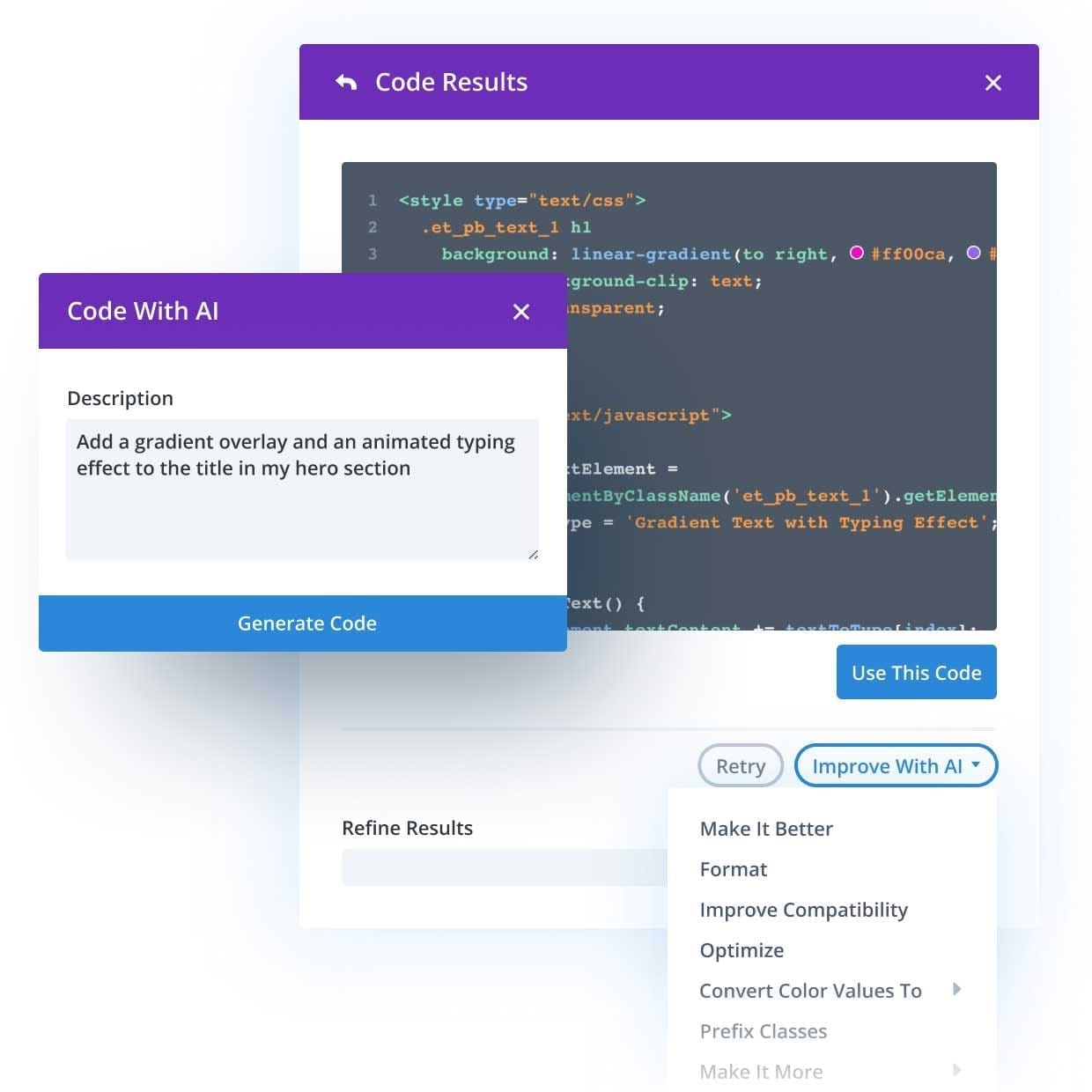
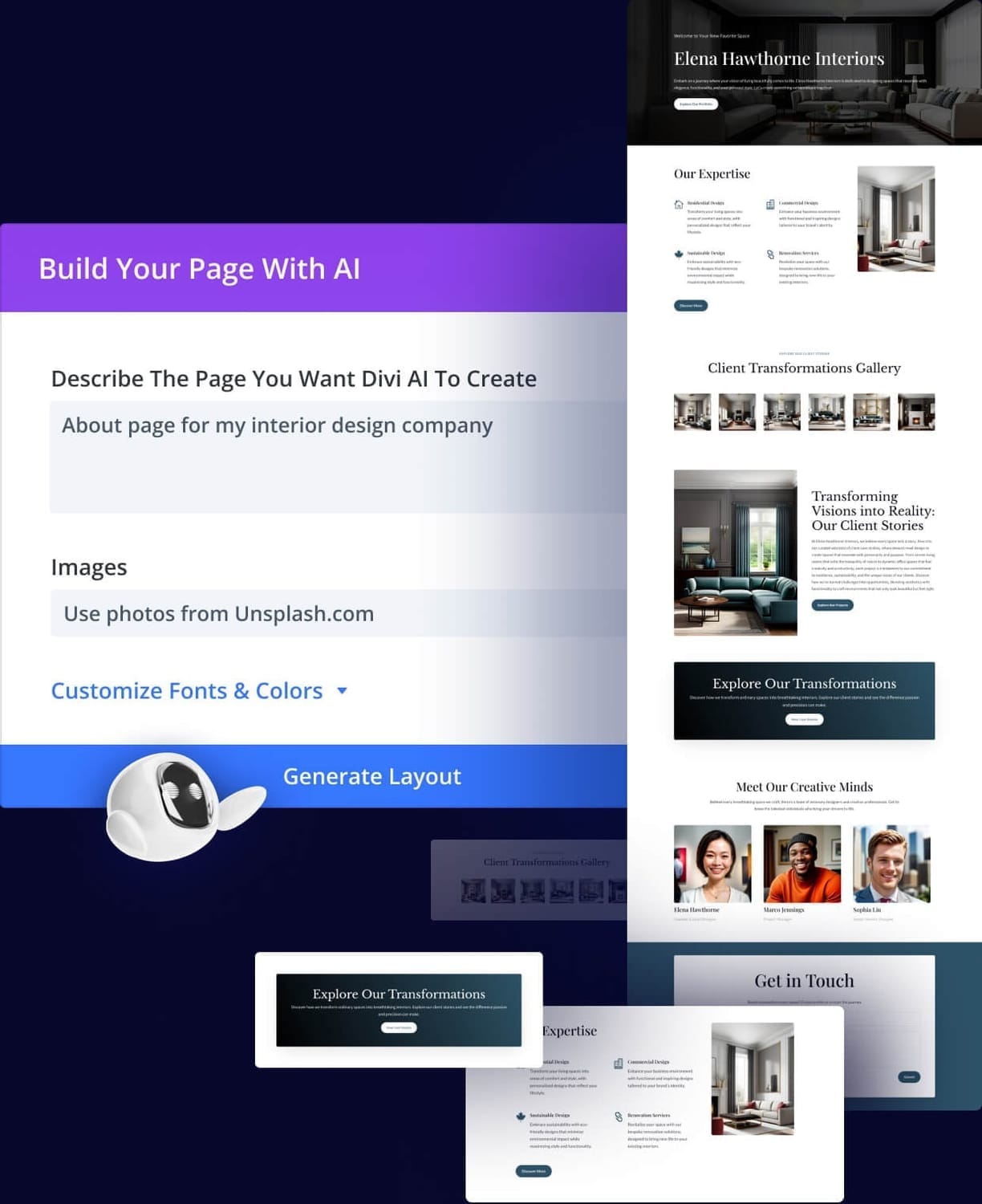
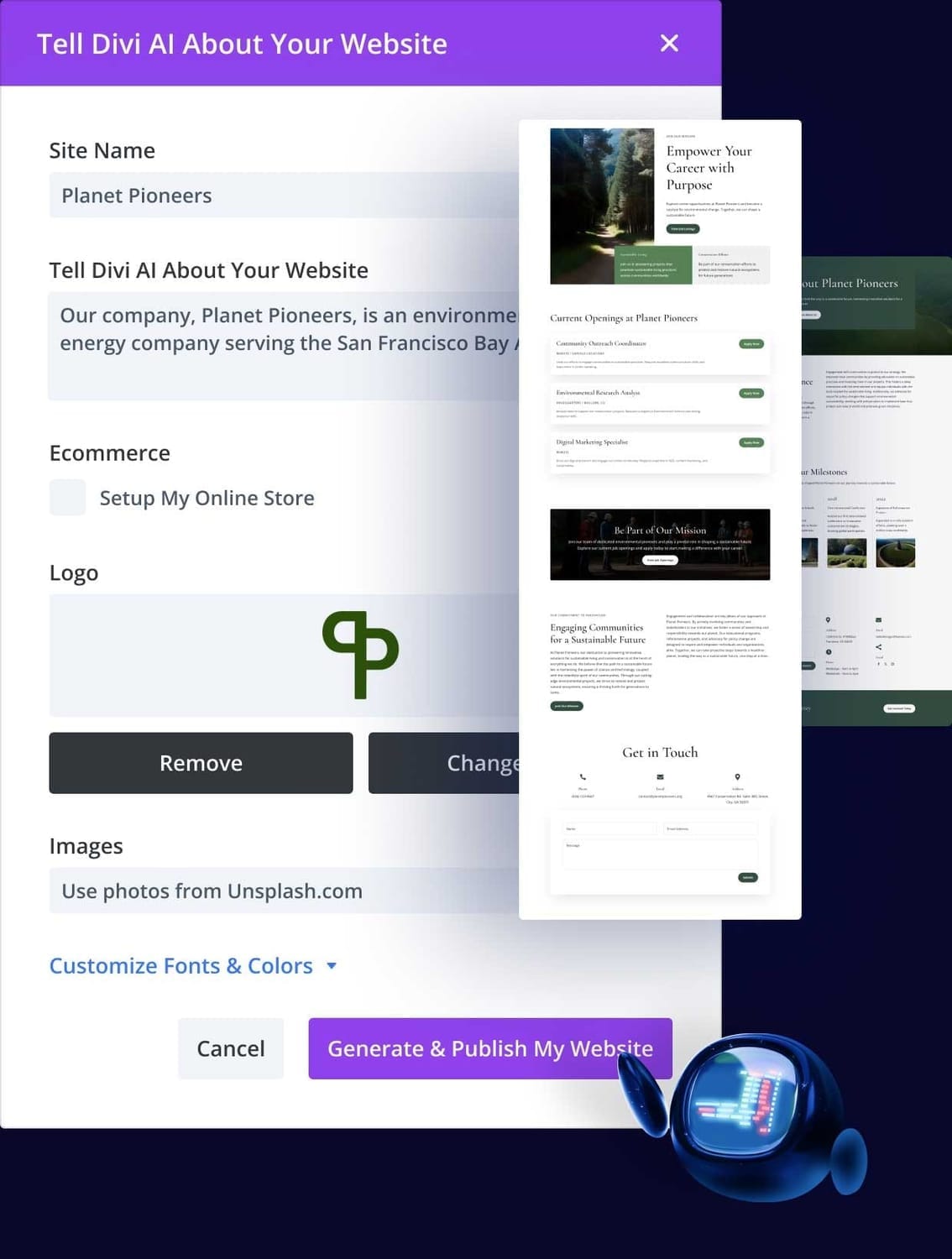
Beyond text and images, Divi AI can help generate layouts and even code that’s fine-tuned for Divi. You’ll discover how to speed up building new sections and pages, style modules with AI-generated CSS, and use Divi’s AI website tools so you can go from “idea” to “finished page” in a fraction of the time.
Get the extra special bonuses!
That's Not All You will Also get Some Special Bonuses!
Bonus 01
Fast-Start Divi AI Implementation Bootcamp (7-Day Website Plan)
Bonus 02
6 Pop-Up Promotional Templates
Bonus 03
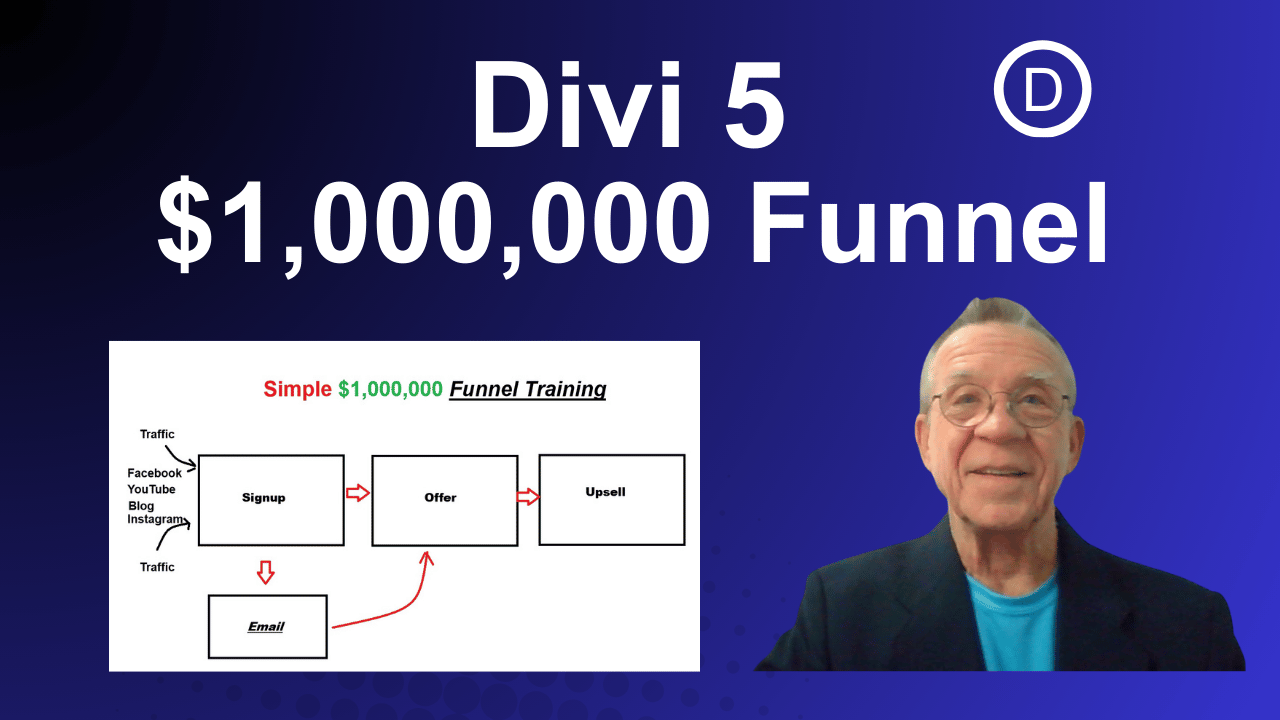
Million Dollar Funnel Training
You are covered by a 30-day guarantee. 🔐

Stop staring at blank screens and let Divi AI draft your copy and images for you.
Build full pages inside one tool instead of juggling five different AI apps and stock sites.
Turn pre-made Divi layouts into unique designs that actually match your niche and brand.

Fix and polish your text with one-click AI Quick Actions instead of overthinking every sentence.
Generate on-brand images in seconds without hiring a designer or learning extra tools.
Launch sites faster so you can finally get your business online or take on more paying clients.

Hello!
I'm Rey Albert
I started where a lot of people are right now – broke, stubborn, and trying to figure out how to get a website online without paying an agency more than my rent.
The turning point for me was when I committed to using Divi and stopped fighting my tools. Then I layered AI into my workflow. Instead of trying to be a full-time designer, developer, and copywriter, I let Divi and AI handle the heavy work while I focused on the message and the offer. That’s when builds got faster, clients got happier, and I finally felt like I knew what I was doing.
Over the years, I’ve built WordPress and Divi sites for local businesses here in Connecticut – plumbers, handymen, trades, small business owners who just need something professional that actually works. I’m not some Silicon Valley guru; I’m the guy who has to get a site live so the phone starts ringing. That’s why I’m obsessed with practical, repeatable workflows that normal people can actually use.
I created this bridge page and these bonuses because Divi AI is powerful, but it can still feel overwhelming if you’re brand new. My goal is to show everyday business owners and beginners how to use Divi AI in a way that’s simple, step-by-step, and focused on one thing: getting your website online and working as quickly as possible. If that sounds like you, you’re in the right place.
Let Us Remind all the Things you Will Get in [product name]!
Divi AI – Unlimited Text, Image, Layout & Code Generation...................$297 Value
AI Image Generator & Image Refinement Tools...................$147
AI Text Generator with Quick Actions (Edit, Expand, Shorten, Improve)...................$197
Context-Aware Automatic Content & Image Generation...................$197
AI-Assisted Layout & Code Generation for Divi Modules...................$197
Ongoing Updates & New AI Features from Elegant Themes...................$197
Plus Your bonuses:
Fast-Start Divi AI Implementation Bootcamp (7-Day Website Plan) ...$97
6 Pop-Up Promotional Templates...$47
Funneltraining Videos and templates 01...$147
Today's Price: Official Divi Pricing Only
Your AI-powered WordPress site could already be taking shape tomorrow…
if you act now.
You’ll plug into the same AI system agencies and freelancers are using to build sites faster – but when you join through this page, you’ll also get my implementation bonuses that show you exactly how to use it without getting overwhelmed. Pricing on the next page is set by Elegant Themes (and may change), but your bonuses are only guaranteed through this bridge page.⏰.
Once it's gone, It's Gone.
You are covered by a 30-day guarantee. 🔐
FAQ
Frequently Asked Questions
You can use Divi AI for free in a limited capacity for free. Once you reach your free trial limit, you will be asked to purchase a Divi AI membership to unlock unlimited layouts, text, code and image generation.
Divi AI is unique for a couple of reasons. First of all, it's integrated right inside the Visual Builder, which is incredibly convenient! Text you generate gets applied to the page automatically, and images you generate get uploaded right to the WordPress media library.
Divi AI's biggest advantage is the fact that it understands Divi and learns from your website, allowing it to create more contextually relevant content automatically. Other tools can't do this because they don't have access to your database or Divi's code.
You can use any language when interfacing with Divi AI's text generator and associated AI writing tools. Divi AI is capable of writing text in any language. When creating images, you must write your prompt in English.
Yes, you are granted a royalty-free license to use the images you generate. You can use them for commercial purposes.
Privacy Policy | Affiliate Disclaimer | About Me | Contact Me